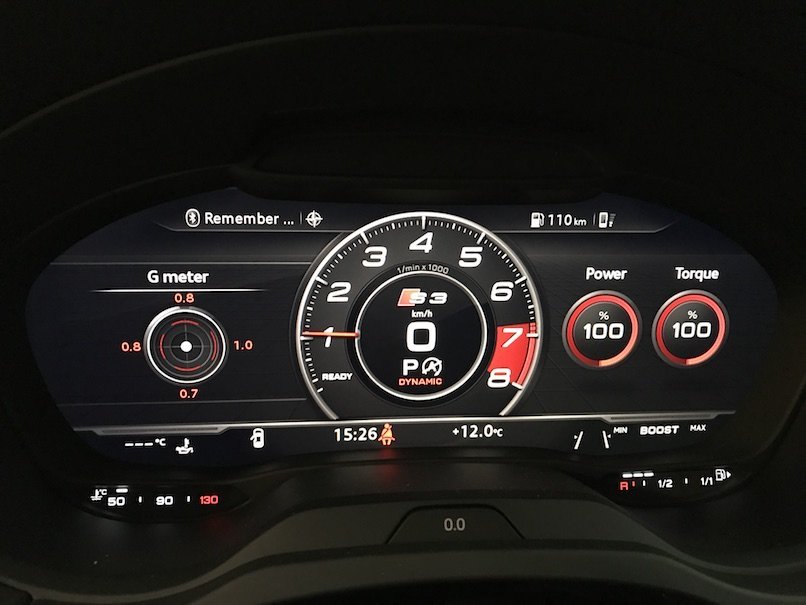
Audi A3 (8V) Facelift – Boost/Torque to the Virtual Cockpit screen (Coding)
Purpose : Allows you to add Boost/Torque to the Virtual Cockpit screen.
Proceed as follows:
1 – Engine off, ignition off, connect your official VAG-COM VCDS cable to the computer then connect the other end to the diagnostic socket of your vehicle.
2 – Switch on the ignition then launch the VCDS program.
Line 1:
3 – Click on “ Select ” then click on “ 17 – Instruments ”.
4 – Click on “ Coding – 07 ” then click on “ Long Coding Wizard ”.
5 – Choose byte “ 15 ”
Then check Bit “ 4 ”: “ Activate ”